CDM 2024 Series · Part 3 · For developers and project owners
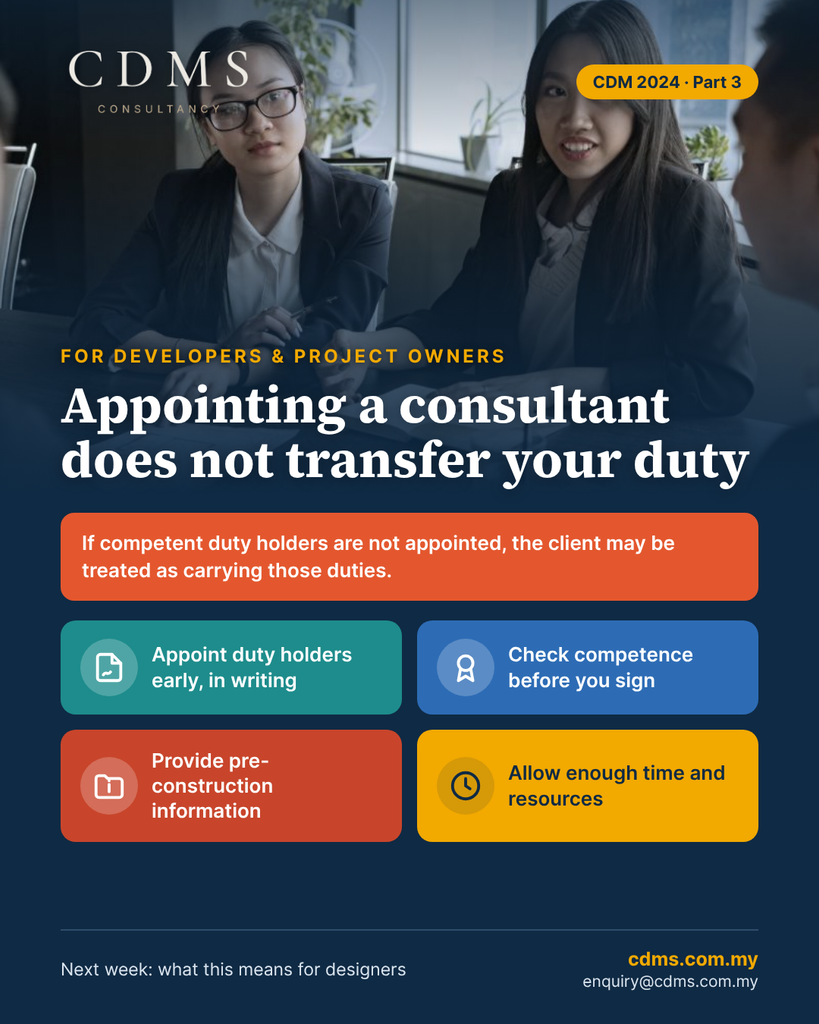
Many developers and building owners assume that once they have engaged an architect, an engineer or a main contractor, safety on the project becomes “their responsibility”. Under Malaysia’s Occupational Safety and Health (Construction Work) (Design and Management) Regulations 2024 [P.U.(A) 147/2024], commonly called CDM 2024, that assumption carries real legal risk.
CDM 2024 has been in force since 1 June 2024. It places specific duties on the client, defined as any principal, or any person for whom a project is carried out. Those duties sit with the client by law. Signing a contract with a consultant or contractor does not move them to someone else.
And if the client does not appoint competent duty holders, the client may be treated as carrying those duties itself.
Who is the “client” under CDM 2024?
If a construction project is being carried out for you, you are the client. In practice this includes:
- Property developers and joint-venture vehicles
- Building and facility owners commissioning refurbishment, fit-out or extension works
- Industrial and data-centre operators expanding or upgrading their sites
- Government agencies, GLCs and statutory bodies procuring infrastructure
Domestic clients (people having work done on their own home) are treated differently under Regulation 9: their duties largely pass to the contractor or the principal designer. This article focuses on commercial and institutional clients.
What the client must do
The client’s core duties are set out in Regulations 4 to 8, with competence covered in Regulation 10.
| Regulation | What the client must do |
| Reg 4 – Project management | Make arrangements that allocate sufficient time, funds and other resources; ensure the work can be carried out, so far as practicable, without risk to safety and health; provide the welfare facilities listed in the Second Schedule; maintain and review these arrangements throughout the project. |
| Reg 5 – Pre-construction information | Provide pre-construction information to every designer and contractor appointed or being considered, as soon as practicable. Ensure a construction phase plan is in place before construction starts, and that a safety and health file is prepared and kept available. |
| Reg 6 – Compliance | Take reasonable steps to ensure the principal designer and principal contractor carry out their duties. If you sell your interest in the structure, hand the safety and health file to the new owner. |
| Reg 7 – Appointments | Where there is, or is reasonably foreseeable to be, more than one contractor, appoint in writing a Principal Construction Work Designer and a Principal Construction Work Contractor, as soon as practicable before the construction phase begins. |
| Reg 8 – Notification | Notify the DOSH Director General in writing before construction begins if work on site will last more than 30 working days or exceed 500 person-days. |
| Reg 10 – Competence | Take reasonable steps to confirm that the designers and contractors you appoint have the necessary skills, knowledge, experience and, for organisations, capability. |
What happens if you do not appoint
Regulation 7(3) is where the risk becomes personal to the client:
- No Principal Construction Work Designer appointed: the client is deemed to be the principal designer and must perform those duties itself.
- No Principal Construction Work Contractor appointed: the client must perform the principal contractor’s duties itself.
Few developers have the in-house capability to coordinate design risk across every discipline, or to plan, manage and monitor the construction phase. Failing to appoint does not remove those duties. It simply means they land on you.
The penalties are significant. Breaches of the client duties in Regulations 4 to 7 carry a fine of up to RM500,000, imprisonment of up to one year, or both. Breaches of the notification and competence requirements carry a fine of up to RM100,000, imprisonment of up to one year, or both.
Four steps to protect your project
1. Appoint duty holders early, in writing
The biggest safety gains are made at concept and early design, when layouts, structural systems and construction methods are still open. An appointment made after the design is frozen leaves little room to design out risk.
- Appoint the Principal Construction Work Designer and Principal Construction Work Contractor as early as practicable, and always before the construction phase begins.
- Use a formal appointment letter or contract clause that names the CDM 2024 role, the scope of duties and the reporting line to the client.
- Assume more than one contractor is “reasonably foreseeable”. On almost every commercial project, specialist subcontractors make this the case.
2. Check competence before you sign
An appointment is only as good as the competence behind it. Regulation 10 requires you to take reasonable steps to confirm it.
Ask prospective duty holders for:
- Relevant CDM training and professional qualifications
- Experience on projects of similar type, scale and complexity
- Sample deliverables such as design risk registers, construction phase plans and safety and health files
- The team and resources they will commit to your project
- References from previous clients
The lowest fee is not evidence of competence. Record how you assessed each appointment; that record is part of demonstrating you took reasonable steps.
3. Provide pre-construction information
Designers and contractors can only manage risks they know about. Under Regulation 5, the information must reach everyone appointed or being considered, which means it belongs in your tender documents.
A good pre-construction information pack typically covers:
- Existing drawings, as-built records and previous safety and health files
- Site investigation, topographical and underground utility surveys
- Ground conditions, contamination and hazardous materials
- Adjacent structures, public interfaces and access constraints
- Live operations on or next to the site, and your own site rules
- Client requirements for safety and health management on the project
4. Allow enough time and resources for safety
Regulation 4 requires the client to allocate sufficient time, funds and other resources. Compressed programmes and stripped-out budgets push risk onto the site.
- Set a realistic programme, including adequate time between appointment and mobilisation.
- Budget for temporary works design, welfare facilities and safety resources from the outset.
- Review these arrangements as the project changes, not only at the start.
A quick self-check for project owners
Before your next project moves forward, ask:
- Have we appointed a Principal Construction Work Designer and Principal Construction Work Contractor in writing?
- Can we show how we checked their competence?
- Has pre-construction information been issued to every designer and tenderer?
- Do the programme and budget allow for safe construction?
- Does the project need to be notified to DOSH, and has it been?
- Who is preparing the safety and health file, and how will it be handed over?
If any answer is “no” or “not sure”, your organisation may be carrying duties it has not planned for.
How CDMS can help
CDMS Consultancy supports developers and project owners in meeting their CDM 2024 client duties, including:
- CDM 2024 client advisory and duty-holder gap reviews
- Appointment and competence assessment of designers and contractors
- Preparation of pre-construction information packs
- Design risk reviews and safety and health file planning
- DOSH notification support
To discuss your project, contact us at enquiry@cdms.com.my or visit cdms.com.my.
Next in the series: what CDM 2024 means for designers.
This article provides general information on the Occupational Safety and Health (Construction Work) (Design and Management) Regulations 2024 and is not legal advice. Refer to P.U.(A) 147/2024 and DOSH guidance for the full requirements applicable to your project.